Connect an RGB Bluetooth Speaker in 3 Easy Steps
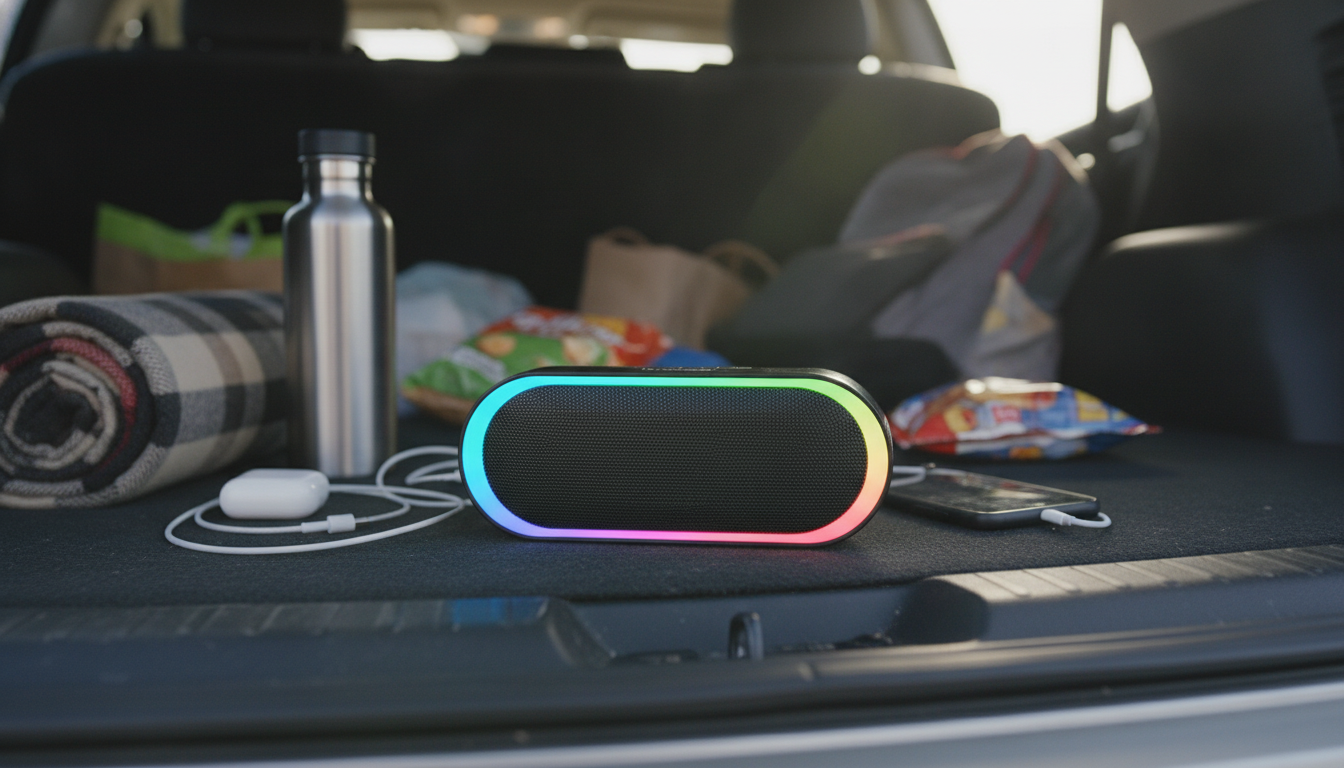
How to connect an RGB Bluetooth speaker?
Connecting an RGB Bluetooth speaker is usually a quick two-part process: power it on and put it in pairing mode, then select it from your phone, tablet, or computer’s Bluetooth list. Once paired, the speaker will reconnect automatically in the future as long as Bluetooth is enabled and the speaker is in range.
1) Power on and enter pairing mode
Turn the speaker on, then activate pairing mode. Many RGB Bluetooth speakers enter pairing automatically the first time they’re powered on. If not, press and hold the Bluetooth button (or the power button, depending on the model) until you hear a tone/voice prompt or see a fast-blinking indicator light. If your speaker has been paired before and won’t show up, use its reset/clear pairing shortcut (often a long-press on Bluetooth or a combo like Volume + and Volume -) to remove old connections.
2) Pair from your device
On iPhone/iPad: Settings > Bluetooth > turn Bluetooth on, then tap the speaker’s name under “Other Devices.” On Android: Settings > Connected devices (or Bluetooth) > Pair new device, then tap the speaker. On Windows: Settings > Bluetooth & devices > Add device > Bluetooth. On Mac: System Settings > Bluetooth, then click Connect. If prompted for a PIN, try 0000 or 1234.
3) Confirm audio output and lighting control
After pairing, play a song and raise volume on both the speaker and your device. If the RGB lights don’t react as expected, look for a Light/Mode button to cycle effects, or check whether your speaker uses an app for advanced color patterns and EQ.
Common fixes if it won’t connect
Move the speaker within 3–10 feet, charge it, and turn Bluetooth off/on on your device. “Forget” the speaker in Bluetooth settings and pair again. Also disconnect it from any other phone nearby—many speakers can only connect to one source at a time.
For a deeper walkthrough on features, controls, and Bluetooth 5.3 behavior, visit the full guide: https://gadgetryvibe.shop/guide-rgb-wireless-bluetooth-5-3-speaker-guide/
FAQ
Why is my Bluetooth speaker connected but no sound is coming out?
Check that your phone/computer is using the speaker as the active audio output, then raise volume on both devices. Also make sure the speaker isn’t in a special mode (AUX/TF/FM) and that another app isn’t holding audio focus.




Leave a comment